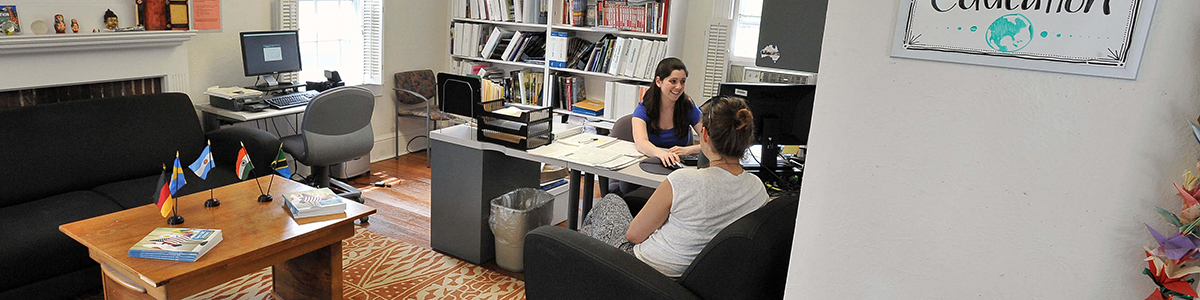
The Center for Global Education was established as part of a college-wide initiative to offer an academic experience designed to prepare Wheaton students for the internationally interconnected world that exists today.
Perhaps the opportunity that has the most impressive impact on the educational experience of Wheaton students is the challenge to study abroad. Our students can select from a wide menu of short-term and semester long study abroad opportunities around the world. These opportunities add value to the education students receive at Wheaton and support students’ efforts in applying for prestigious scholarships that offer international study/research opportunities such as Fulbright, Rhodes, Marshall, Watson and Truman Scholarships. In the last few years, nearly all of our Fulbright, Watson and a large percentage of our Latin honors students have studied abroad for a semester or more. Through Wheaton’s Filene Center for Academic Advising and Career Services students seek international internships and/or service learning opportunities.
Dozens of cross cultural events are sponsored by members of the campus community each semester, offering students a chance to challenge traditional ways of thinking and of looking at the world. Our growing international student presence enriches the academic and cultural milieu of the college.
At the very core of all of these efforts is the goal of helping to prepare students who are globally competent. By global competence, we mean that students participate in a broad-based program of study that emphasizes critical-thinking and effective personal and social skills in a competitive, diverse, and fluid setting that is the world today. In order to achieve this we believe students must be exposed to different cultural perspectives, engage deeply with matters of the human condition, and develop a confident identity as a global citizen. Understood in its most progressive sense, this is what a liberal education offers, and it is to this that a Wheaton education is committed.
Global education offered at Wheaton College is integrated in practice, interdisciplinary in approach, and institutionalized in its reach. This forward looking approach to education offers students a chance to engage more fully with the human experience and to understand themselves in relation to a dynamic and complex world. We welcome you to this website to discover the range of opportunities Wheaton offers in terms of global education.