
Help improve the future
 Aria Grillo ’05
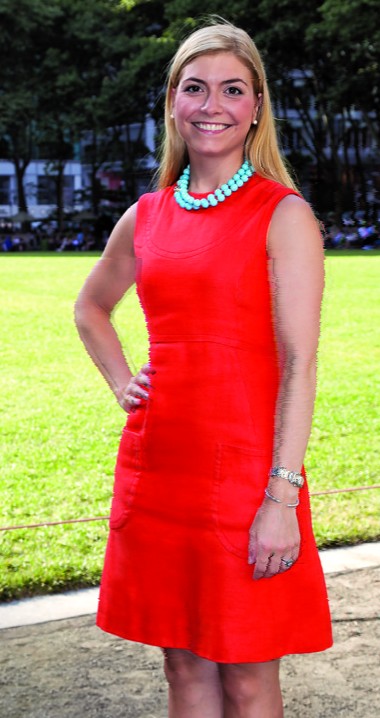
- Associate director of development, Muscular Dystrophy Association
- Junior board member and mentor, Tuesday’s Children
- Wheaton Fund supporter
Makes a difference:
“Through our work we raise more than $3 million annually to fund research toward finding a cure for muscle disease and ALS. I also lead MDA’s nationwide disability awareness program, in which I educate students about assistance and acceptance, and treating everyone as equals, regardless of physical differences.”
Values the source of success:
“I have always been passionate about health-related causes from my time at Wheaton doing my practicum under Professor Grace Baron. Wheaton helped me understand who I am. The college has been an incredible pillar of support in my life—far beyond the four years I spent there—and is one of the main sources of my current success.”
Contributes to longevity:
“Wheaton is an incredibly special place; it is our legacy. We need to support Wheaton just as it supported us. Big or small, every donation makes a difference by enhancing the educational experience of current students and helping to ensure the longevity of the college for generations to come.”
Support Wheaton
Call 508-286-8292 (option 2) or visit wheatoncollege.edu/giving